Components You NEED To Know Part 1(Major Components)
Hello everyone, welcome to the second entry about building a computer. In this entry we will cover the components that you will need for your computer. I will be going in order of importance while taking the cost into consideration.
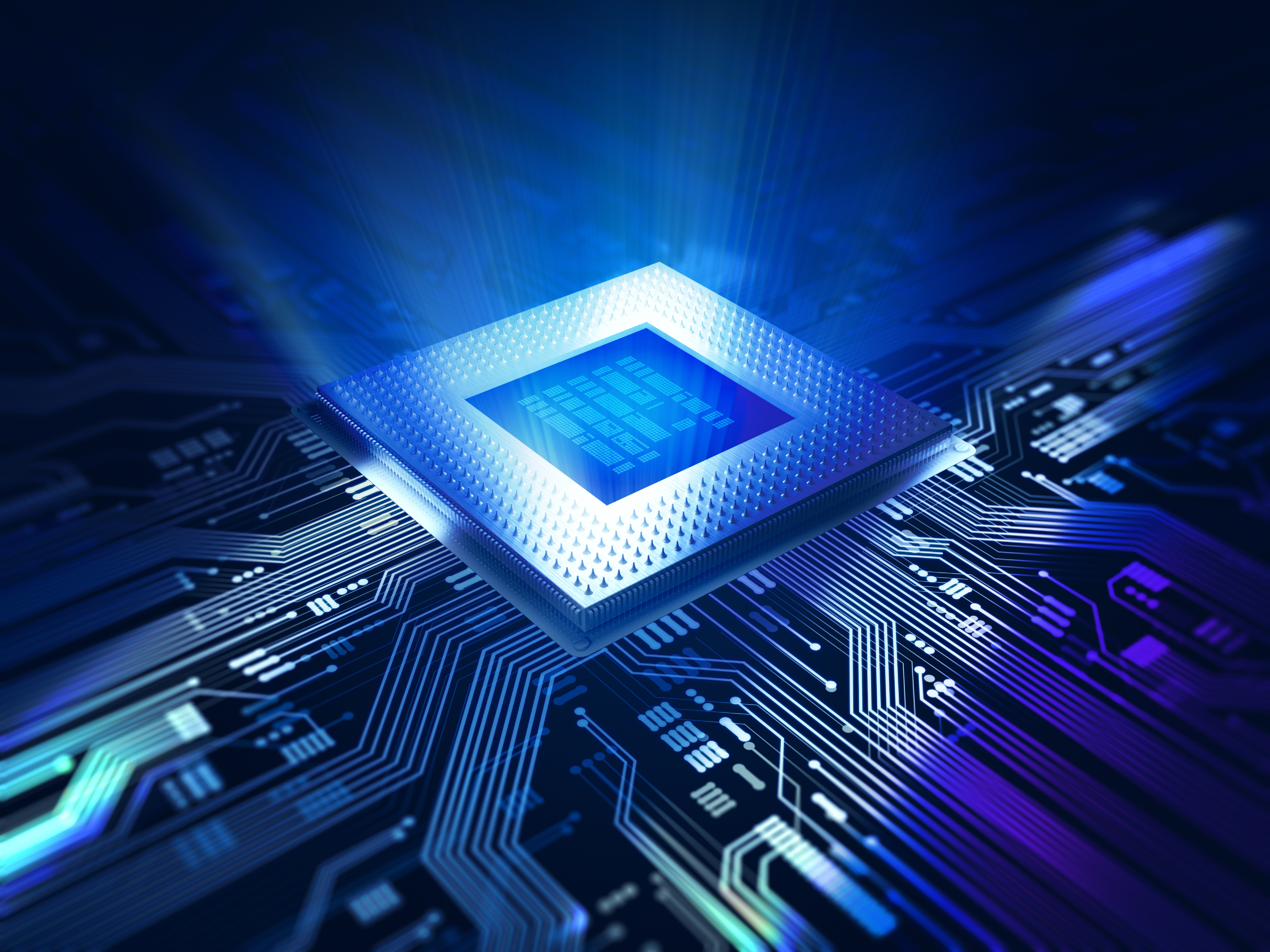

The last component I will cover in this part is the Motherboard. This is what connects everything together, hence the name Motherboard. Everything connects to this in some way shape or for because it is what allows the components to communication and make your pc work. There isn't really much else to say about it other than don't forget to buy one because you cant do anything without it. If the CPU can be considered the brain of the computer then this is the heart. You need both but the brain wont work without a heart. Please keep in mind that not every brain fits every heart, or rather you cant just put any CPU and motherboard together. There are 2 main CPU manufacturers, Intel and AMD, please make sure that the motherboard you purchase is compatible with your CPU because otherwise you wont be able to fit the components together due to how they work.
In Conclusion, these parts are the 3 most important and probably most expensive parts in your computer. Now, please keep in mind that every single component that I have mentioned here and that I will be mentioning in the future posts have alot of variations, and I mean ALOT. So please be careful, do your research and make sure all components are compatible. Especially the CPU and motherboard, that compatibility is very important and I see very few reviewers and pc builders mentioning this.
Thank you all once again for spending your time reading through this and I hope that this blog is of some help to some people who want to build their own computer but don't know where to start.
Comments
Post a Comment