Components You NEED To Know Final Part (Accessories)
Hi everyone and welcome to the last post about the components of a computer. I know it has been long and tedious to fill your heads with all of this knowledge but if you want to build a good computer you need to know these things. So lets get right into it!

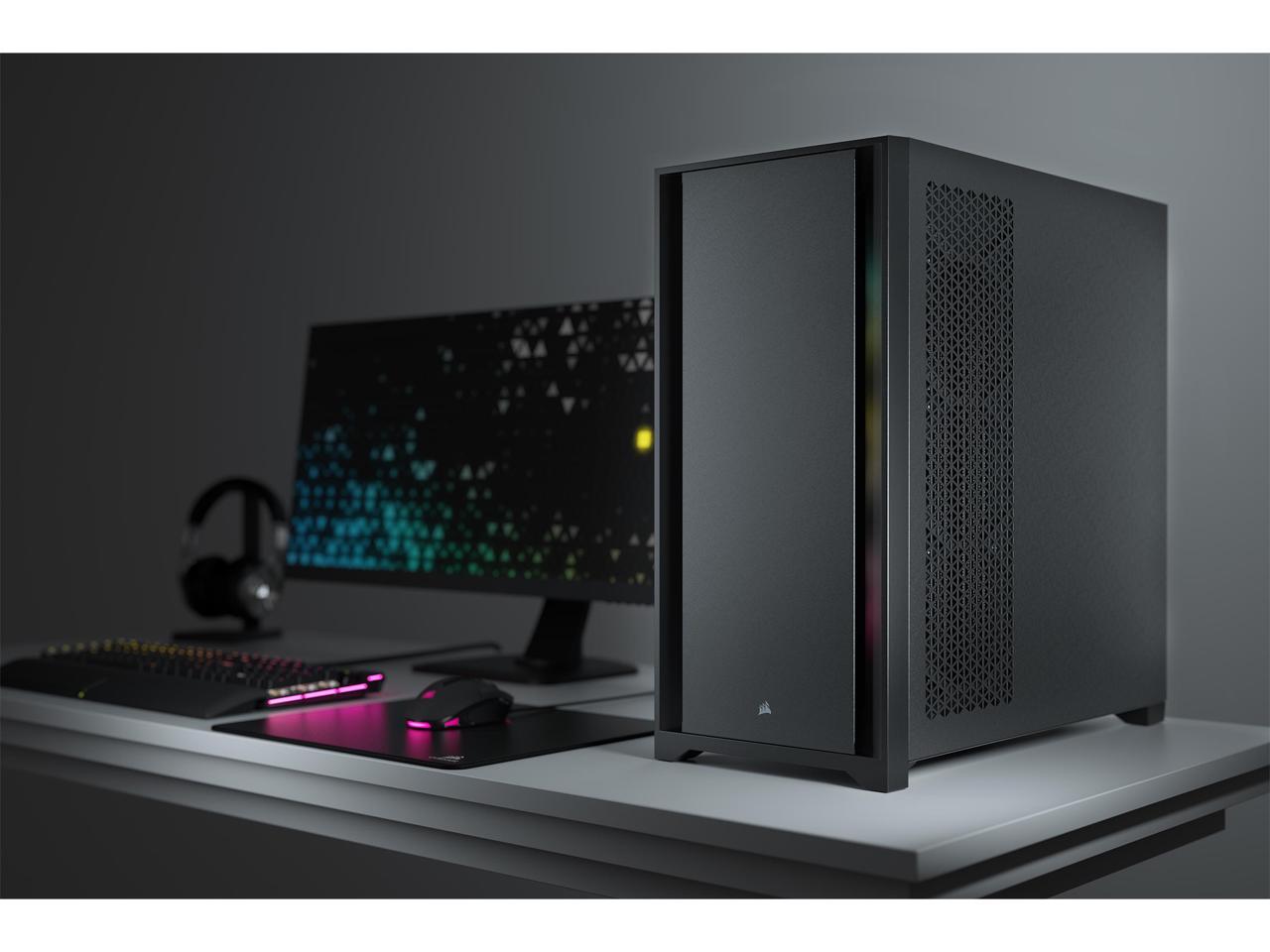
Next up is the case of your computer. I cant really give you pointers on which is good as there are so so so many variations, and it also depends on the space you have available for your setup. Which is something I can tell you about. There are 3 main types of cases, this also impacts your motherboard and size of other components. First is micro ATX, second is mid ATX or mid tower, and lastly full ATX or a full tower. The order is from smallest to largest. Every website has different names for advertising and calls them different things but they all mean the same. I would say that you should keep your available space in mind when buying your case and keep your other components in mind also cause if the case is too small and the components don't fit then it is going to be a bit of a problem. Don't say I didn't warn you!

Lastly, We have case fans. I touched on this briefly while talking about CPU coolers, but the idea is the same. These help to cool your pc passively when you have them in the correct configuration. There is only one rule to follow with case fans, and that is the logo ALWAYS goes the direction you want to pull air from. If you don't have your fans in a correct configuration e.g. front to back airflow, then you're going to end up with major temperature issues which can be harmful to components. Alternatively you can opt for water cooling and do a custom loop but I really don't recommend that unless you're exceptionally experienced in the field of computer building. In the off chance that you do want water cooling, I would recommend getting a professional to do it for you, or at least someone who has done it before and has experience with it because liquids and components don't mix and an accident can be very expensive!
These were the last 3 main topics I wanted to cover regarding components. Of course there are plenty of other accessories that you could get for your computer, such as RGB strips or cable extensions if you want custom cables or a GPU support if you're having GPU sag. There are plenty of things that you can do with your computer because its yours and you can customize it to suit your preference. These past 3 parts have just been a brief overview about the components needed for your computer to function correctly, and as I have been saying all through this, please do your own research and don't take my word as gospel. There are hundreds if not thousands of variations of every component I have mentioned and its up to you to find what works for you.
Thank you for reading yet another post about computer components. In my next and final post I will briefly speak about actually assembling your computer once you have everything and you are ready to go.

Comments
Post a Comment